
Hi,
We were recently involved in the setup of a hybrid event using a rather complex setup.
There were multiple locations and camera’s involved , audience on premise and remote , live interpreters and Q & A sessions.
Now because of the specific setup we had a combination of different technologies used and the teams live event was chosen for the chat Q&A functionality.
There are some catches that we wanted to share about this :
- When you create the live event you can always add moderators as long as the event has not started.
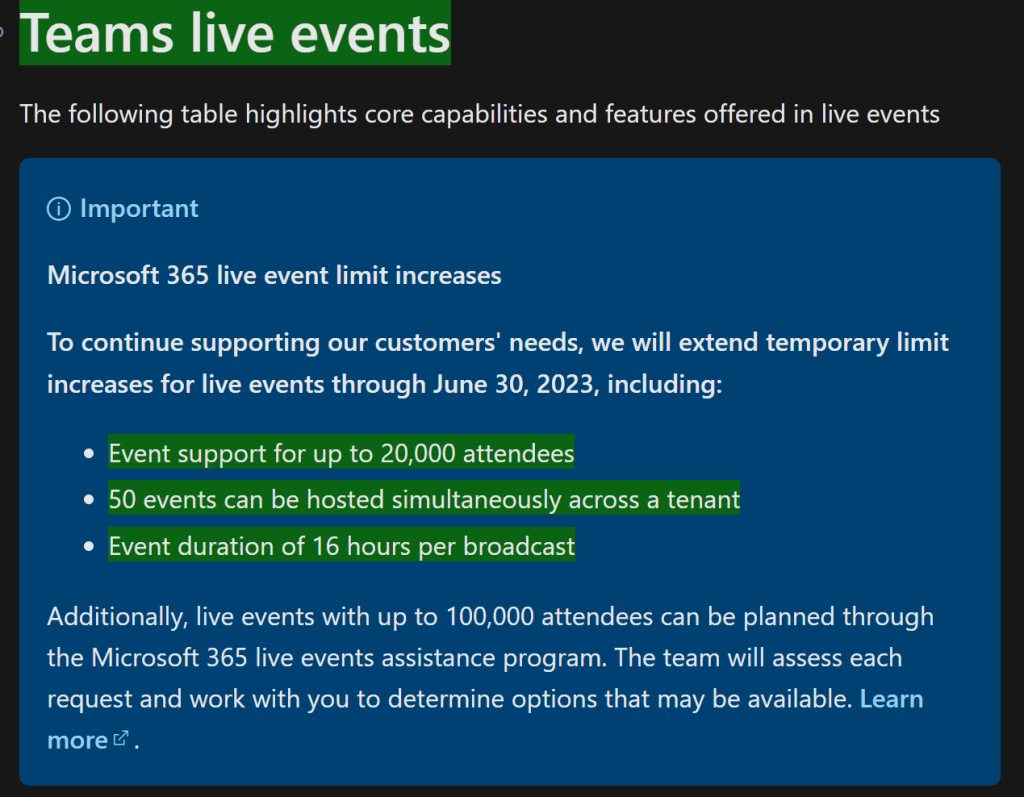
- The live event has a limit of 16h until 30/6/2023 ( we verified you can surpass the 4 hour limit , we did not stretch it until 16 hours )
Link : Plan for live events in Microsoft Teams – Microsoft Teams | Microsoft Learn
The Q&A functionality is really great. You can assign moderators , questions are posed and reviewed and can then be published or answered in private.
It is clearly explained here : Moderating a Q&A – Microsoft Support
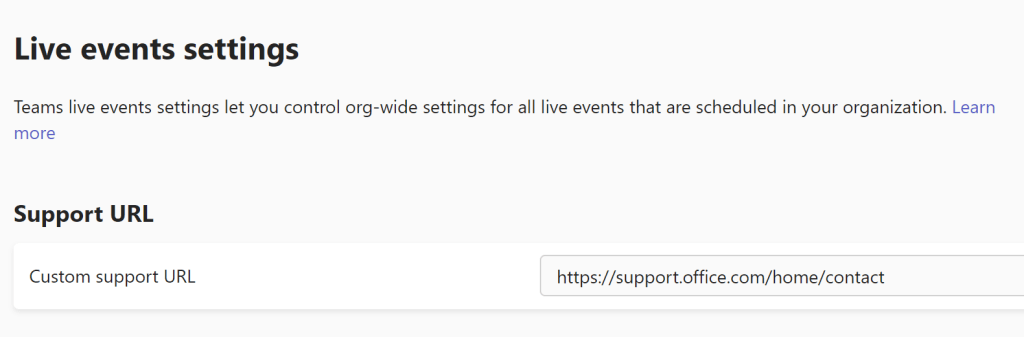
- In the Teams admin center ( Live event settings ) you can customise the support url that is present during the live event. You can redirect this to your url of choice.
- When you create the event you get a really long url for the attendees to use. In our case we needed something simple for the users to be able to connect to the Q&A session.
You can use url shorteners like tinyurl etc but they require a paid subscription or some of the free tools actually result in a smartscreen error on edge chromium so in our case this was no solution.
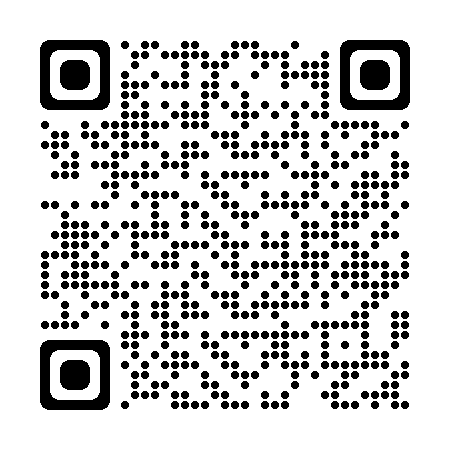
So we created a QR code for the url ( using Apps ontdekken – Canva there is no redirect involved ) and this was displayed at the event.
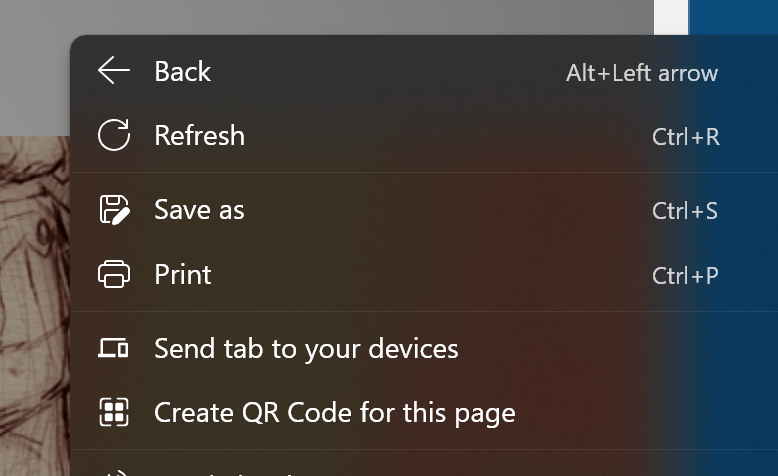
You can even use builtin Edge Chromium functionality, right click on a blank space in the page and select create QR code.
So here you are , enjoy the tips !
 The-league